Skip the Paper Chase: Create a Digital Easter Egg Hunt Invitation
Easter is approaching, and if you are planning the annual egg hunt, you know the logistical headache of gathering everyone together. Between coordinating schedules and managing RSVPs, the last thing you need is the added friction of printing, addressing, and mailing physical cards. Enter the modern solution: the Digital Easter Egg Hunt Invitation. This isn't just a static image you send in an email; it is a dynamic, animated video template designed to capture attention immediately. It combines the whimsy of the season with the efficiency required by today’s busy hosts, offering a vibrant, motion-based experience that sets the tone for a fun event before it even begins.
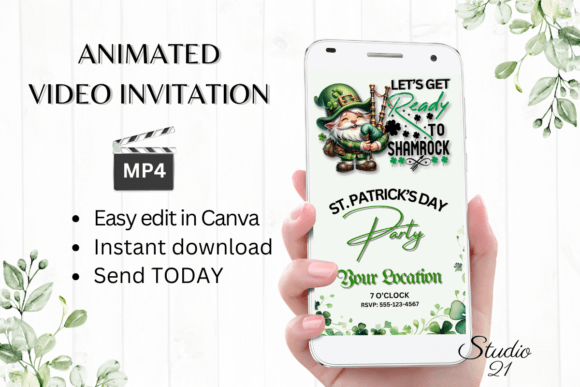
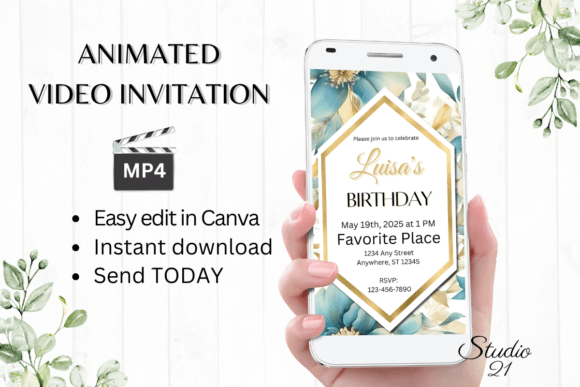
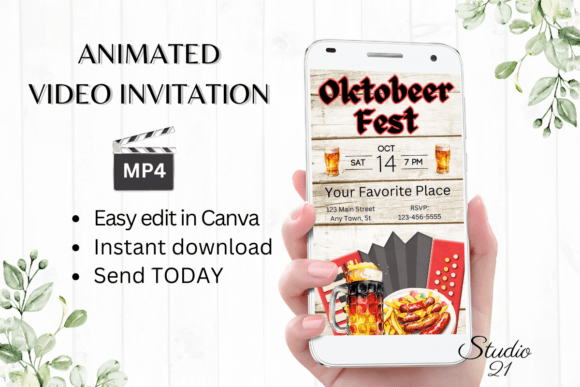
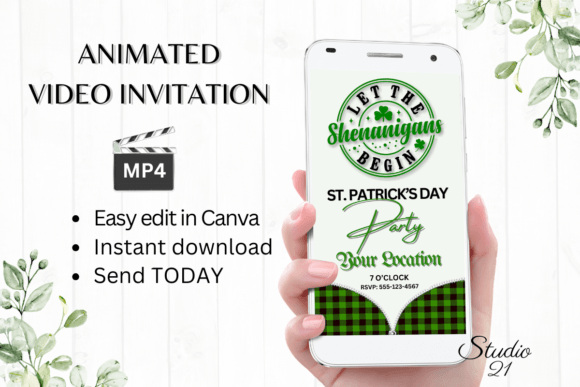
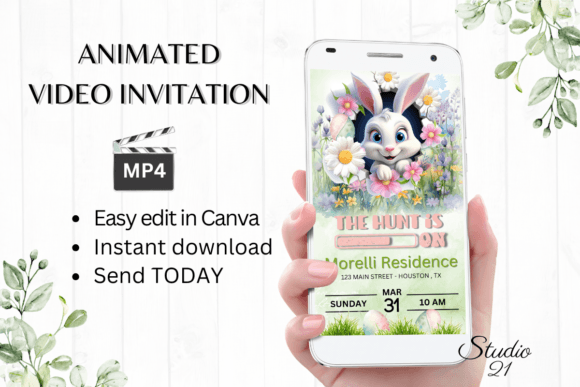
The visual personality of this specific template strikes a balance between playful energy and polished design. Because it is a digital animated video invitation, it allows for kinetic elements that static paper cannot achieve. Imagine soft pastel backgrounds with floating confetti, hopping bunnies, or text that fades in with a gentle bounce. The aesthetic is clean and modern, avoiding the cluttered look of outdated clipart. It feels professional yet lighthearted, making it versatile enough for a neighborhood block party, a corporate family event, or a casual backyard gathering. The 1080 x 1920 px resolution ensures it looks crisp on high-definition smartphone screens, which is where the vast majority of your guests will view it.
The Practicality of Canva: Editing Without Barriers
One of the biggest hurdles with premium design assets is often the software requirement. However, this Digital Easter Egg Hunt Invitation is built specifically for Canva, a platform most creative professionals and hobbyists already know. The workflow is streamlined for speed. You receive immediate access to the template, meaning you can start editing the moment you have the idea—no waiting for a designer to send proofs. This is particularly valuable for entrepreneurs and small business owners who need to move quickly. If you decide to host a last-minute community event, you can have invitations sent out within minutes, not days.
The customization options are robust without being overwhelming. You have total control over the typography. You can change the font style, size, and color to match your specific brand identity or personal aesthetic. If you are a marketer hosting a branded egg hunt, you can swap the default colors for your corporate palette. The ability to add or delete text means you aren't locked into a rigid structure; you can adjust the copy to include specific details like "Bring your own basket" or "RSVP by Friday." Furthermore, the template allows you to change the animation style. If the default movement feels too fast or too subtle, you can tweak the timing to ensure the visual hierarchy guides the viewer's eye exactly where you want it.
Design Observations: Typography and Motion
When working with this invitation, pay close attention to how the font pairing interacts with the animation. The template likely utilizes a mix of display fonts for the headers—perhaps a playful handwritten font or a bold sans serif font—paired with a highly legible body font. In the context of video, readability is paramount. A script font might look beautiful in a static logo design, but on a moving screen, it can become difficult to read if the animation is too fast. The design of this asset accounts for that, ensuring that the text remains on screen long enough to be absorbed, a crucial aspect of effective editorial design in video format.
Consider the visual hierarchy when you begin your edits. The most critical information—the "What," "When," and "Where"—needs to be the most prominent. Use the Canva tools to ensure your details stand out against the background. Because you are working with a digital download, you can test how the colors render on different devices. While the template uses standard RGB values for screens, colors can vary slightly depending on whether the recipient is using an iPhone, an Android device, or a desktop monitor. Stick to high-contrast combinations to ensure your message isn't lost in translation.
Distribution: Beyond the Inbox
The true value of a digital animated video invitation lies in its shareability. Once you have perfected your design in Canva, you download it as an MP4 file. This format is the universal language of the internet. You aren't limited to email attachments, which often get buried or caught in spam filters. Instead, you can drop this file directly into a WhatsApp group chat, send it via iMessage, or share it through Facebook Messenger.
For content creators and bloggers, this format is also ideal for social media. You can upload the MP4 directly to your Instagram Stories or as a Reel to announce a public event. The vertical orientation (1080 x 1920) is optimized for mobile consumption, meaning it will fill the screen perfectly without awkward cropping. This seamless integration into daily digital habits significantly increases the likelihood that your guests will actually see—and remember—the event. It transforms the invitation from a piece of mail that gets thrown away into a piece of content that gets watched.
Strategic Use for Brands and Professionals
If you are a small business owner, hosting an Easter event is a prime opportunity for community engagement. Using a high-quality digital Easter Egg Hunt Invitation elevates the perception of your event. It signals that your brand cares about details and presentation. It is a subtle form of brand identity reinforcement. By customizing the template with your brand fonts and colors, you turn a community gathering into a cohesive brand experience.
For graphic designers and freelancers, this asset serves as a practical case study in packaging design for digital goods. The inclusion of a user guide and Canva instructions ensures that even clients with no design experience can use the file effectively. It removes the back-and-forth friction often associated with custom design work. You can hand this off to a client, and they can handle the personalization themselves, saving you billable hours on menial text edits while still delivering a premium result.
Final Thoughts on the Asset
This is not just a piece of clipart; it is a functional design asset. The fact that it requires no software downloads or font installations makes it accessible to everyone, from the tech-savvy publisher to the busy parent. It bridges the gap between professional modern typography and user-friendly functionality. Whether you are organizing a formal corporate hunt or a chaotic family gathering, this template provides the flexibility and polish needed to make your event stand out in a crowded inbox. It is a practical, reusable tool that saves time while maintaining a high standard of visual communication.